IMPORTANT: Check the updated version for the final release! Click here.
As an IT Architect i am always interested to see the newest stuff. Microsoft released the Windows Server 2025 and made it available within it’s Insider programm. With the latest changes in the server and datacenter Virtualization market, i wanted to take a more detailed look at Hyper-V again. Let’s get started!
I am fond of simple solutions. In this introduction part 1 will use my low-cost development environment. This should allow nearly everyone will be able to test and learn in their own lab. To get ready, there are a few simple steps.
Prepare for the installation of Windows Server 2025
- Personally I will re-use environment I have been using in the past to operate my Proxmox test lab. I highly recommend to take a look at the AFB Shop to get some refurbished equipment. I focus on small and tiny desktop equipment with just enough power to host my test environment. Good examples are available in the mini PC category.
- Register for the Windows Insider programm at Microsoft using your Microsoft Account. I recommend to use a personal account and not your company account. It is easier to maintain your Microsoft training status and other settings over the course of your corporate / business career. Start your Insider journey now and click here.

At this time you can join using the Windows Insiders for Business portal. This is useful when you are preparing tests for your company in your corporate test or development environment. - How to Download Windows Server 2025? Let’s download the Preview from the Windows Server Insider Preview download page.


4. Create a bootable USB Device to copy the Windows Server 2025 ISO. I use Rufus to create ISO files. It is not using any installer. For me it has been working reliable over a long period of time.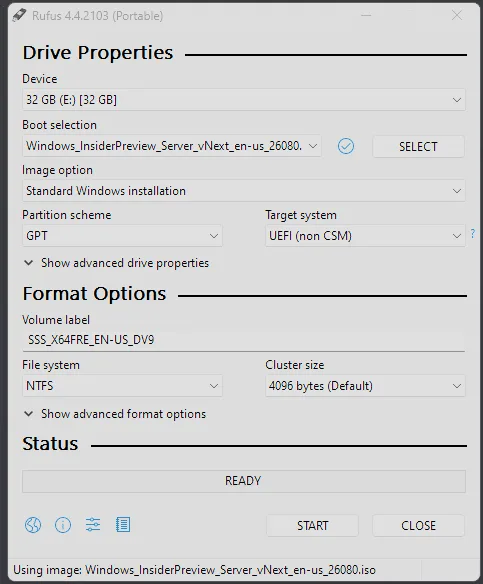
I do change the default settings of Rufus. Those are based for Windows 11 use cases, like disabling requirements and the use of online accounts.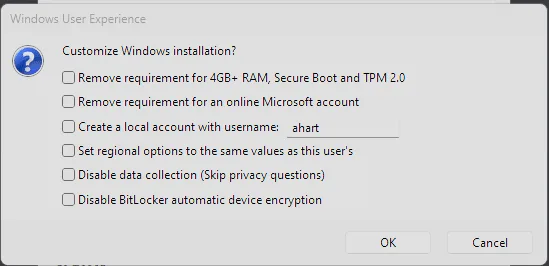
Finally start the installation of your server
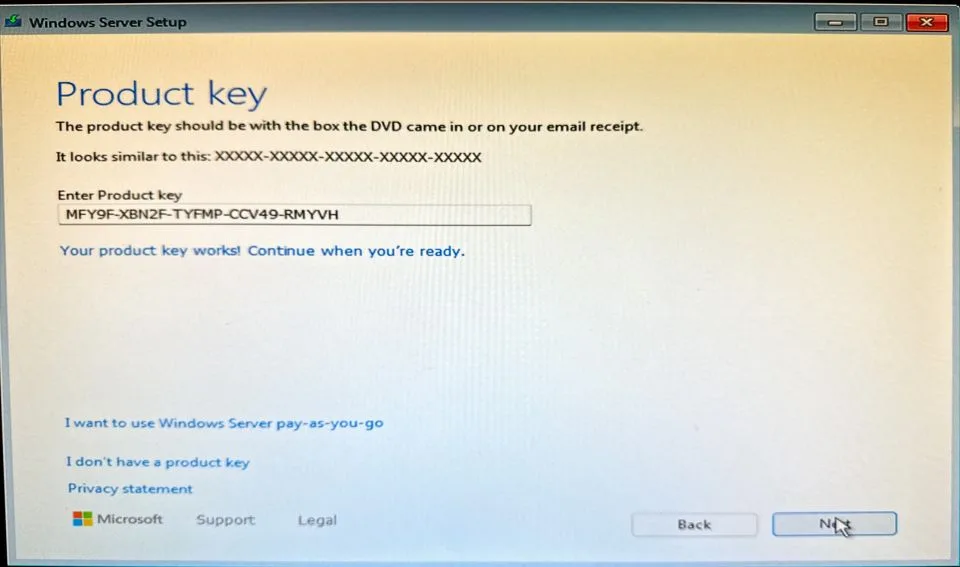
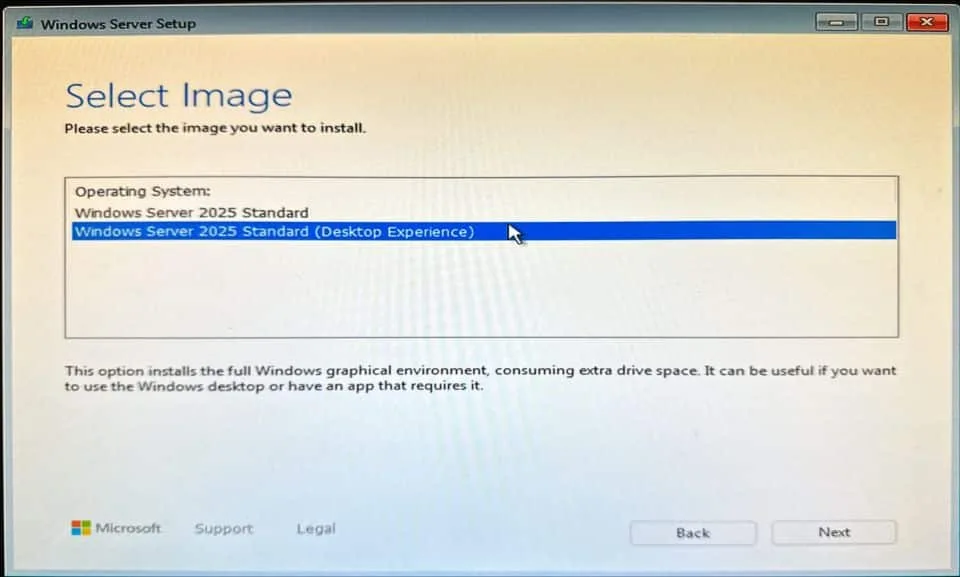
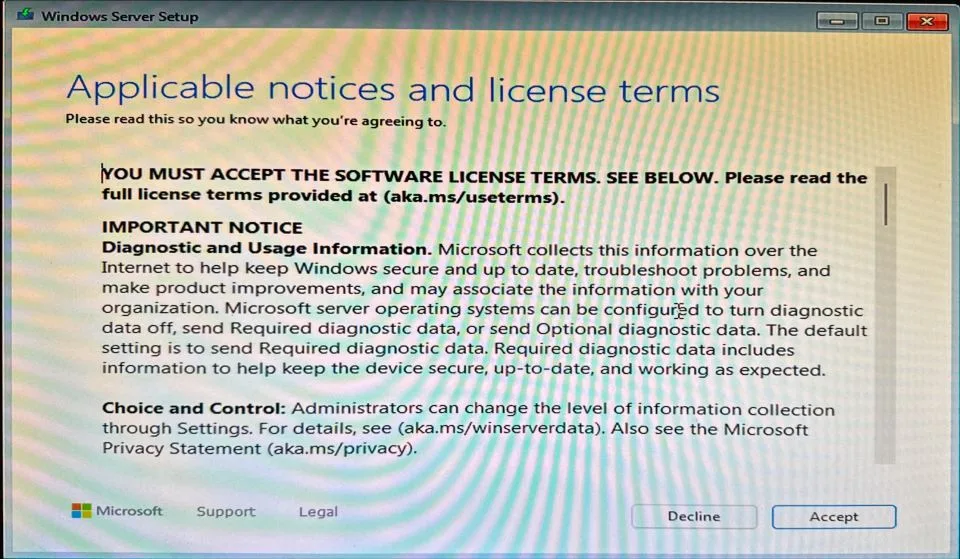
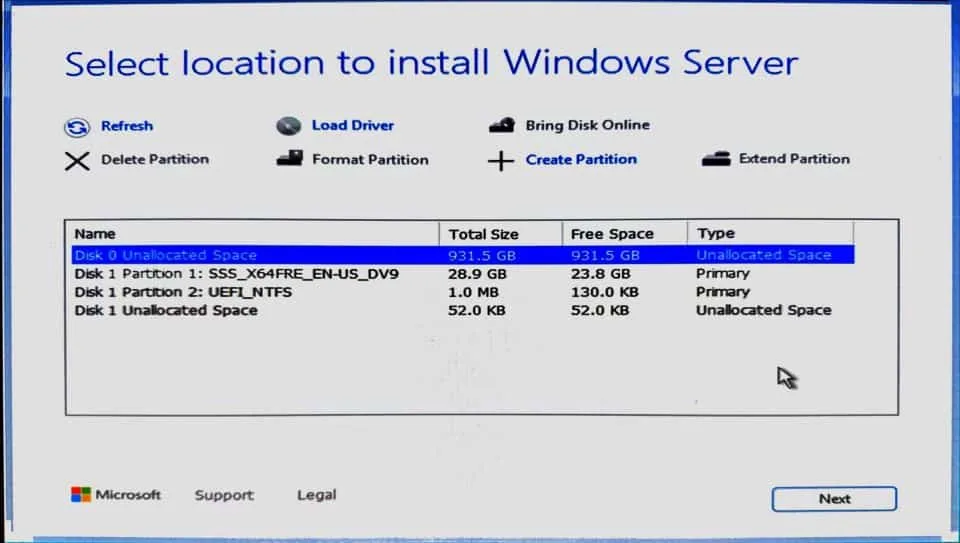
5. Start the installation of Windows Server 2025 and use the approproate License key
- Server Standard: MFY9F-XBN2F-TYFMP-CCV49-RMYVH
- Datacenter: 2KNJJ-33Y9H-2GXGX-KMQWH-G6H67
These keys are legal and can be found here for the Windows Server Insider Preview 26040.
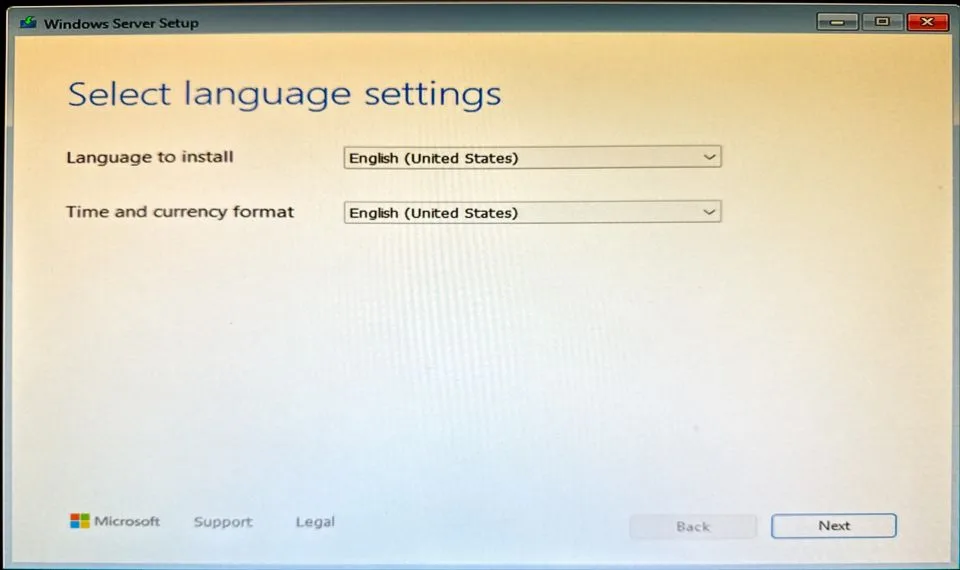
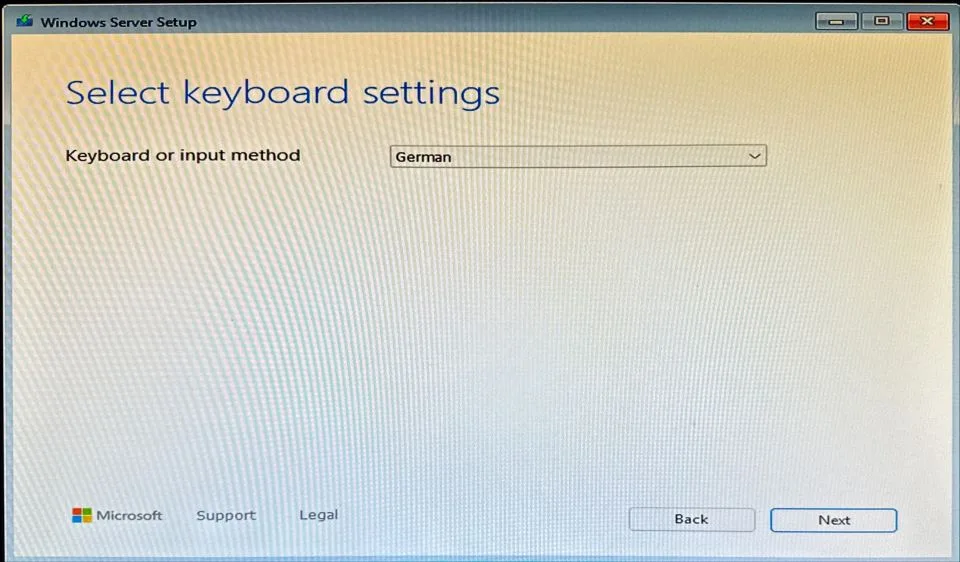
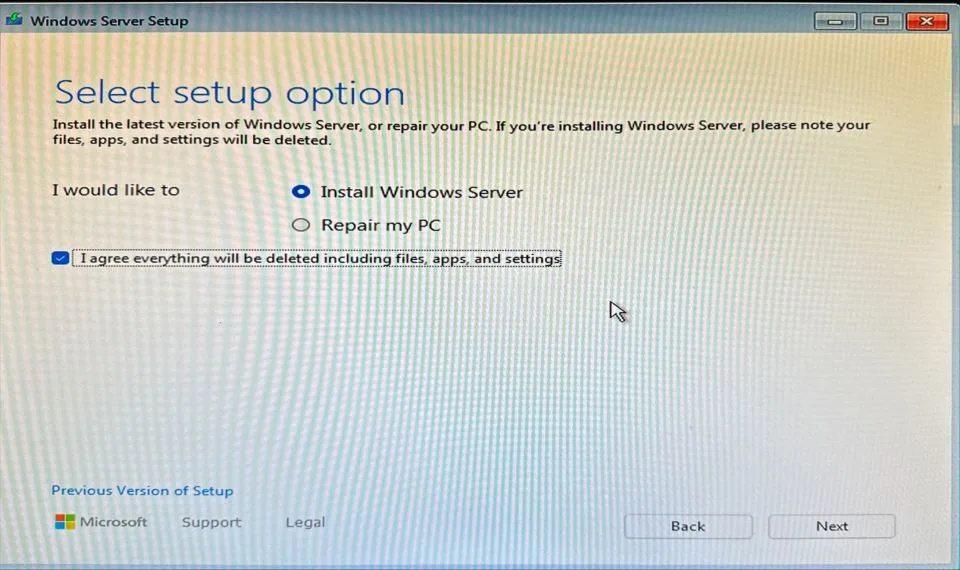
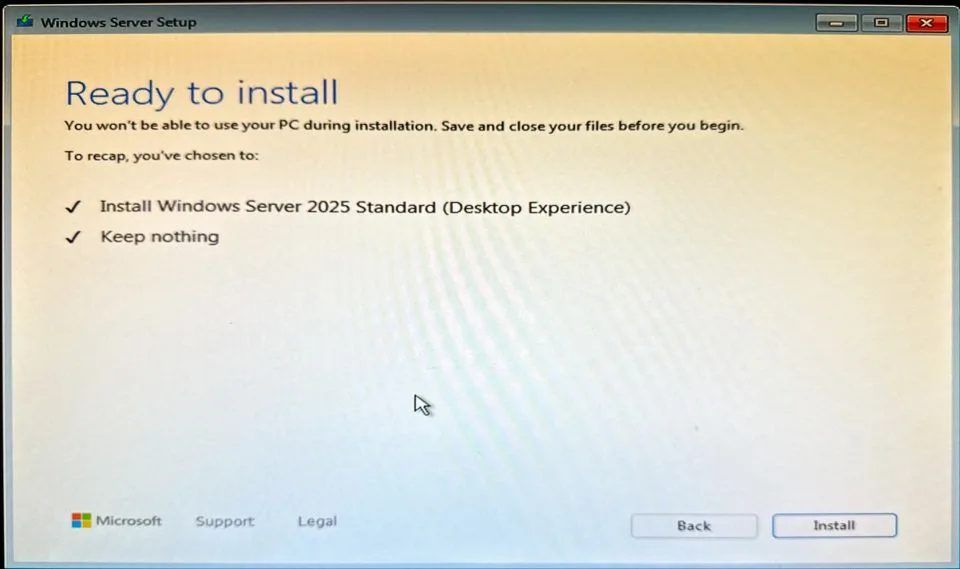
6. Enjoy Windows Server 2025, and your journey to learn more about IT architecture will continue in Part 2 of this document, when we enable Hyper-V and start looking at how many VMs we want to test the new features.
My minimum spec used for testing is a Fujitsu ESPRIMO Q556/2 | Intel i5- 7500T | 32GB DDR4 | 1024GB SSD. These systems are currently available for very cheap, as the Intel 7th generation will not officially support Windows 11. Companies are replacing these and the demand for refurbished devices is going down. If you are especially interested on how to upgrade that hardware, than take a look here (German version) or here (English version).
Obviously you do care about Windows Server 2025. Before we continue you might be be interested in a story about technical debt.